

Ontario's low-voltage systems integrator

One Team for the Systems That Run Your Building.

UnifiedLink designs, installs, and supports low-voltage systems for Ontario homes and businesses — cameras, alarms, access control, networking, audio, and displays — with scope and warranty confirmed in writing before work starts.

Call us: (437) 367-8255
12+
Years of low-voltage experience
265
Catalogued services
66
Ontario locations served

Request a quote

Book your site assessment now

Your address helps us check service availability nearby.

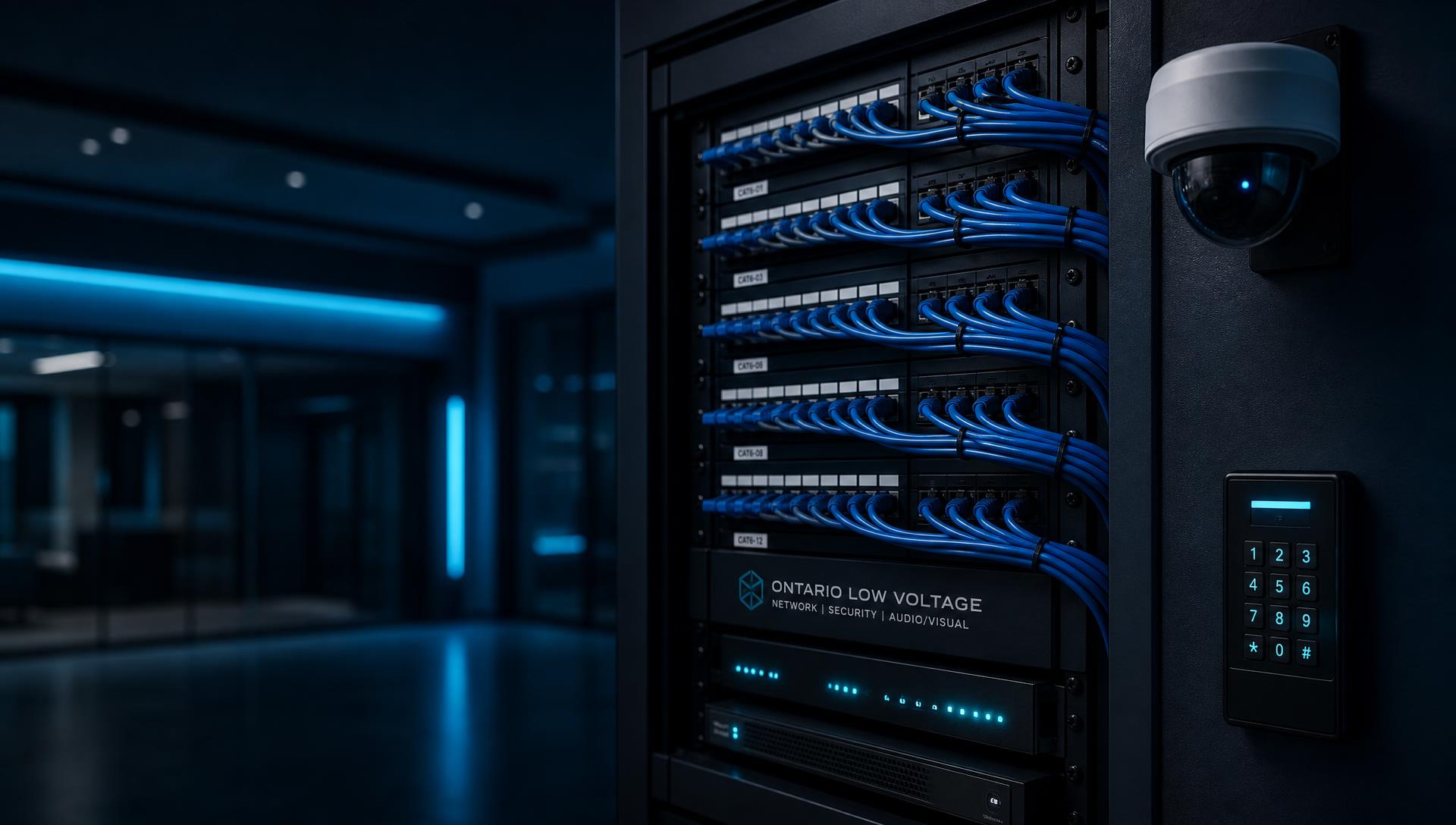
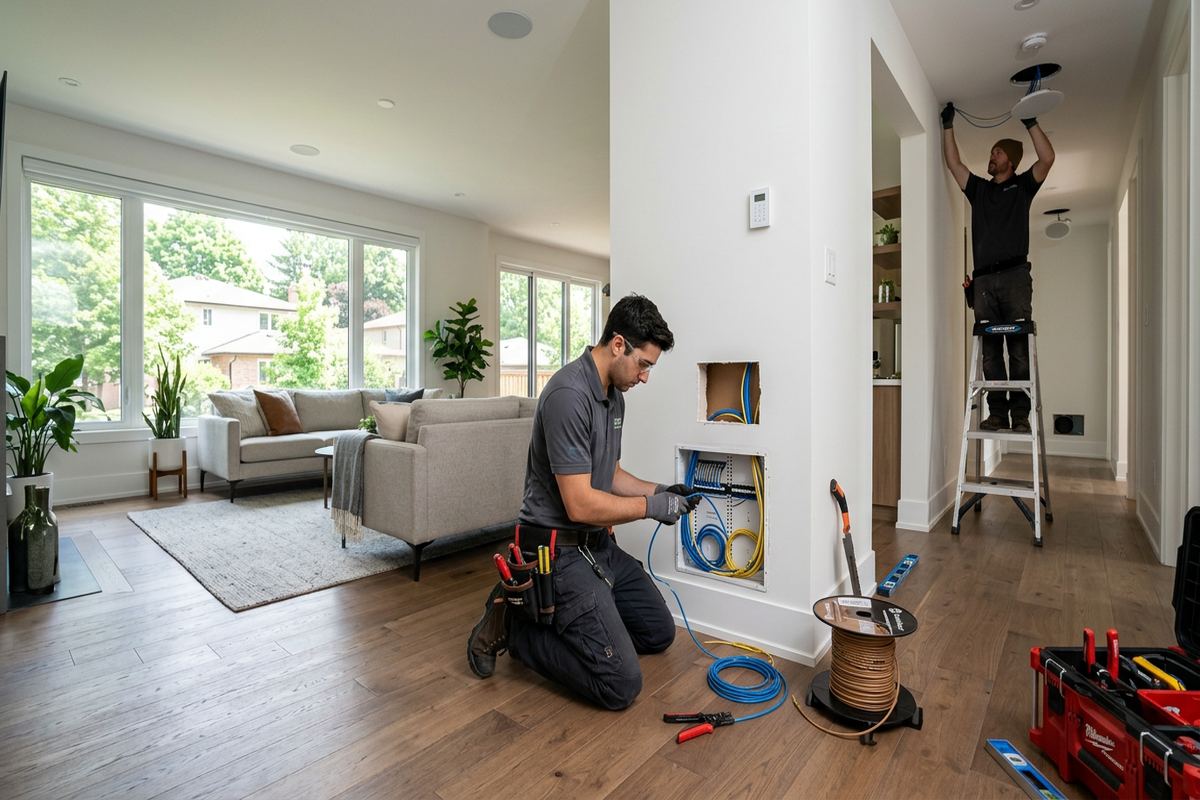
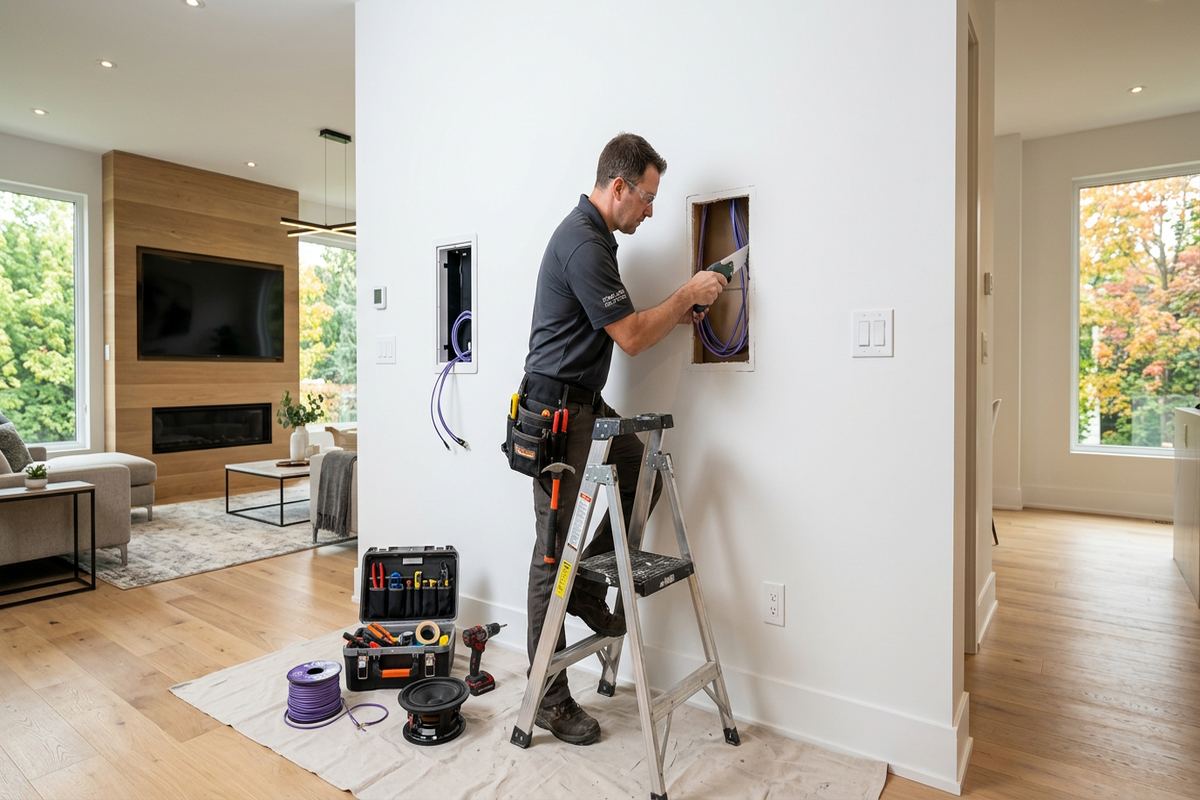
Technician terminating labelled Cat6 cabling into a structured wiring panel

The team behind the install

Security, connectivity, and smart technology under one contract

Most properties end up with a different contractor for each system. We plan cameras, alarms, access control, cabling, Wi-Fi, audio, and displays together so the power, pathways, and network all support each other.

Our team brings more than 12 years of low-voltage experience. Every install is labelled, documented, and handed over with the account credentials in your name — not ours.

See how we work

At your service

Popular services in Ontario

Cameras, alarms, doors, networks, speakers, and screens — the work Ontario properties ask for most.

Popular in this area

Explore services by family

Jump straight into the work you need — each service page covers scope, process, and pricing questions.

Browse the full service catalog →

Low-voltage systems that are planned, installed, and documented properly.

Tell us about the property and we'll confirm coverage before quoting.

Call (437) 367-8255

What you gain

Why one integrator beats six contractors

What you get from planning every low-voltage system on the property together.

  • One accountable installer

    Cameras, alarms, access control, network, audio, and displays planned together instead of by six separate trades.

  • Scope you can read

    Equipment, exclusions, ownership, and warranty are written down before the first cable is pulled.

  • Cabling you can inspect

    Routes planned for the building, terminated to a documented standard, and labelled at both ends.

  • Systems you actually own

    Accounts, credentials, and as-built notes are handed to you at completion — no vendor lock-in.

What clients say

Reviewed by Ontario homeowners and businesses

Real feedback from recent security, networking, and AV installations across the province.

4.9 average420+ completed installations66 Ontario locations served
  • They walked the property first, showed me the camera angles on paper, then installed exactly that. Cable runs are hidden, the NVR is labelled, and they set up remote viewing on my phone before they left.

    Daniel M.

    Mississauga · 8-camera CCTV install

  • Twelve drops, a proper patch panel, and a mesh setup that finally reaches the basement. Every port is numbered and they left a printed map of what goes where. No guesswork later.

    Priya S.

    Markham · Structured cabling + WiFi

  • Quote matched the invoice. They coordinated with our door hardware supplier, tested fail-safe on the fire panel, and trained two of our staff on adding and removing fobs.

    Rob T.

    Hamilton · Access control, 3 doors

  • Replaced a 15-year-old panel without tearing up walls. Sensors are clean, the app works, and they came back a week later to adjust a zone that kept tripping — no charge.

    Angela K.

    Oakville · Alarm system upgrade

  • Two 75" displays flush to the wall, all cables in-wall, speakers balanced room by room. They cleaned up completely and took the packaging with them.

    Marc L.

    Ottawa · TV mounting + in-wall audio

  • Cameras, door contacts and a network refresh across two locations, done after hours so we never closed. Documentation was handed over the same week.

    Sandra W.

    Barrie · Retail store security

  • Licensed & insuredWSIB covered crews
  • Written scopeQuote matches invoice
  • 12+ yearsLow-voltage experience
  • Warranty backedWorkmanship guaranteed

Step by step

Your project in four clear steps

No mysteries: this is how every UnifiedLink installation runs, from first call to ongoing support.

  1. 1

    Discover & Design

    We ask what the property, the people, and the network actually need, then lay out device placement, cable routes, power, and future expansion.

  2. 2

    Quote & Install

    You get scope, exclusions, equipment ownership, and warranty in writing, then cable is run neatly, labelled, and terminated to a documented standard.

  3. 3

    Configure & Test

    Devices, recording, credentials, and network settings are set up properly, and every function is tested before we call the work finished.

  4. 4

    Document & Support

    You receive labelling, as-built notes, and account details you own, and we stay reachable for changes, additions, and troubleshooting.

In detail

How UnifiedLink approaches security, connectivity, and smart technology

A plain-language guide to how we scope, install, and support low-voltage systems for Ontario homes and businesses.

Low-voltage systems, designed and installed as one connected package

UnifiedLink designs, installs, configures, and supports low-voltage systems for homes and businesses across Ontario. That means security cameras, alarm systems, access control, structured network cabling, wifi coverage, speakers and audio, displays and monitors, and the smart-technology layer that ties them together. We are a systems integrator, not a referral directory: the person who scopes the work is accountable for the cable that gets pulled, the device that gets mounted, the settings that get configured, and the documentation you keep at the end.

Most properties do not have a technology problem so much as a coordination problem. The camera installer never spoke to the network installer. The alarm was added years after the wiring closet was finished. The wifi access point was placed where the cable happened to end rather than where the coverage was needed. Every one of those decisions is defensible on its own, and together they create a property where nothing quite works with anything else. Our approach starts by looking at the property as a single system with one cable plant, one network, and one set of credentials you own.

That framing changes the order of work. Before we recommend equipment, we look at where power is available, where cable can realistically be routed, how the building is constructed, what the internet service can actually deliver, and who needs day-to-day access to what. Only then do we talk about devices. Equipment is the easiest part of any install to change later; cable routes, mounting locations, and network structure are the expensive parts to redo.

  • One point of accountability for design, installation, configuration, and support
  • Cable routes and mounting positions planned before equipment is chosen
  • Systems built to share one network and one documented cable plant
  • Credentials, accounts, and recordings that belong to you, not to us
  • Written scope so you know what is included and what is not before work starts
What a proper site assessment actually covers

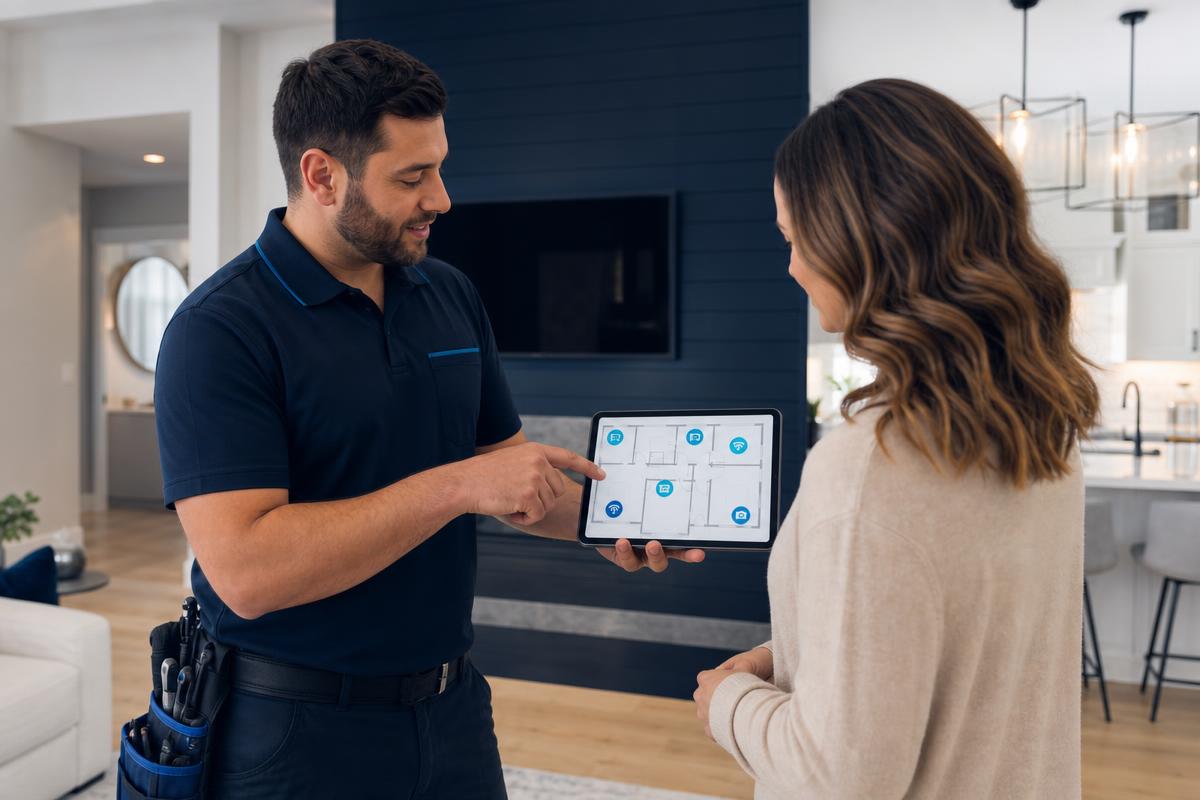
Every project begins with a site assessment, and it is not a sales walkthrough. We are gathering the facts that determine whether a design will hold up: construction type, ceiling and wall access, existing conduit or pathways, the location and condition of the demarcation point, available panel or rack space, power availability at each device location, and the physical conditions each device will live in — sun exposure, moisture, temperature swings, vibration, and reach for future maintenance.

For camera work, we walk the sightlines rather than guessing them. A camera aimed across a bright doorway will produce a silhouette instead of a face. A camera at the wrong height will capture the top of a hat rather than the person underneath it. A camera covering a parking area needs a different lens and a different exposure approach than one covering a hallway. These decisions are made on site, with the actual light and the actual angles, not from a floor plan.

For network work, we measure rather than assume. Wifi coverage depends on wall materials, floor construction, interference from neighbouring networks, and the density of devices that will connect at once. A single access point in the middle of a house is a common recommendation and a common disappointment. We would rather run one more cable drop during the assessment stage than explain a dead zone after the drywall is closed.

For access control and alarm work, we ask about people and process before hardware. Who needs to unlock what, at what times, and who removes that access when someone leaves. Whether the system needs to be armed by a schedule or by a person. Whether an event needs to notify someone, trigger a recording, or simply be logged for later review. Hardware follows those answers.

  • Construction, pathways, and access checked before any cable is quoted
  • Camera sightlines, lighting, and lens choice confirmed on site
  • Wifi coverage planned around building materials and real device counts
  • Access rules and arming schedules defined before hardware selection
  • Existing equipment assessed for reuse where reuse actually makes sense

Cabling standards you will only notice when something goes wrong

Cabling is the part of a low-voltage system that nobody looks at and everybody depends on. It is also where shortcuts hide most easily, because a badly terminated cable will often pass a casual test and fail intermittently for years. Intermittent faults are the most expensive kind: they are hard to reproduce, hard to isolate, and they usually get blamed on the device rather than the wire.

Our standard is simple and boring on purpose. Cable is run in continuous lengths without hidden splices. Bend radius is respected. Cable is separated from electrical runs to limit induced noise. Every run is labelled at both ends with a scheme that still makes sense to a stranger three years from now. Terminations are consistent, either T568A or T568B throughout the property, never mixed. Service loops are left where a device may need to be moved or replaced.

Panels and racks are treated the same way. Cables are dressed, supported, and routed so an individual run can be traced and replaced without disturbing everything around it. Power supplies are labelled with what they feed. Spare capacity is left in the patch panel and switch, because properties add devices and nobody has ever regretted having four extra ports.

When we finish, you get labelling, an as-built record of what was run where, and the settings that matter. That documentation is what turns a future change from an investigation into a task.

  • Continuous runs with no hidden splices and respected bend radius
  • Separation from electrical runs to reduce interference
  • Consistent termination standard across the entire property
  • Labelling at both ends plus an as-built record you keep
  • Spare capacity planned into panels, switches, and pathways

Security cameras that produce usable evidence

The value of a camera system is measured on the one day you need footage. Until then, every camera looks like it is working. The questions that matter are whether the recording covers the time period you need, whether the image identifies rather than merely detects, and whether you can retrieve and export the clip without a support call.

Retention is a storage calculation, not a marketing number. Frame rate, resolution, compression, scene activity, and camera count all determine how many days you actually keep. We size storage against the retention you want and tell you plainly what that costs, rather than quoting a headline figure that only holds when nothing moves in front of the lens.

Placement decides identification. Cameras positioned for coverage produce wide, pretty images that identify nobody. We combine overview cameras with tighter identification positions at the points people must pass through: entrances, gates, tills, and corridors. Infrared and low-light performance is verified after dark, not assumed from a datasheet.

Remote access is set up on accounts you own, with your own credentials, on a network segment that does not expose the recorder to the open internet. If you ever replace us, nothing needs to be unlocked or handed over — it is already yours.

  • Storage sized against the retention period you actually want
  • Identification positions at entrances and choke points, not just overviews
  • Night performance verified on site after dark
  • Recorders kept off the open internet with secure remote access
  • Export and playback shown to you at handover so you can use it under pressure

Alarms, access control, and the rules behind them

An alarm system is a set of rules more than a set of sensors. Door and window contacts, motion sensors, glass-break detectors, and environmental sensors are the inputs; what matters is what happens when one of them trips, who is notified, how quickly, and how false alarms are prevented from training everyone to ignore the system.

We build zones around how a property is actually used. A perimeter that can be armed while people are still inside. Areas that stay active overnight without catching a pet. Sensors placed where entry is realistic rather than evenly spaced for symmetry. Monitoring, self-monitoring, and notification options are explained in plain terms so you can choose based on cost and responsibility rather than on a package name.

Access control follows the same logic. Fobs, cards, codes, and mobile credentials all work; the difference is administration. Someone must be able to add a person in a minute and remove them in a minute, and there must be a log that shows who went through which door and when. Door hardware — strikes, maglocks, request-to-exit devices, and fail-safe versus fail-secure behaviour — is chosen against life-safety and code requirements first, convenience second.

Where both systems exist, they should share information. An access event can flag a recording. An alarm event can notify the same people who manage doors. That integration is a configuration decision made during design, and it is far cheaper than retrofitting it later.

  • Zones designed around how the property is occupied day to day
  • Sensor placement aimed at realistic entry points, not even spacing
  • Door hardware chosen against life-safety requirements first
  • Credential administration you can run yourself in under a minute
  • Access, alarm, and camera events linked where it is useful

Networks, wifi, audio, and displays that stay reliable

Almost every modern low-voltage device now depends on the network, which makes the network the single most important system in the building. Cameras, access controllers, thermostats, televisions, speakers, point-of-sale terminals, and staff laptops all share it. Left flat and unmanaged, one misbehaving device can degrade everything else.

We build networks with structure: a properly sized switch with power over ethernet where it is needed, access points placed for coverage rather than convenience, and separation between staff, guest, and device traffic so a compromised camera or smart plug cannot reach your business data. Where uptime matters, we discuss failover honestly, including what it costs and what it does not protect against.

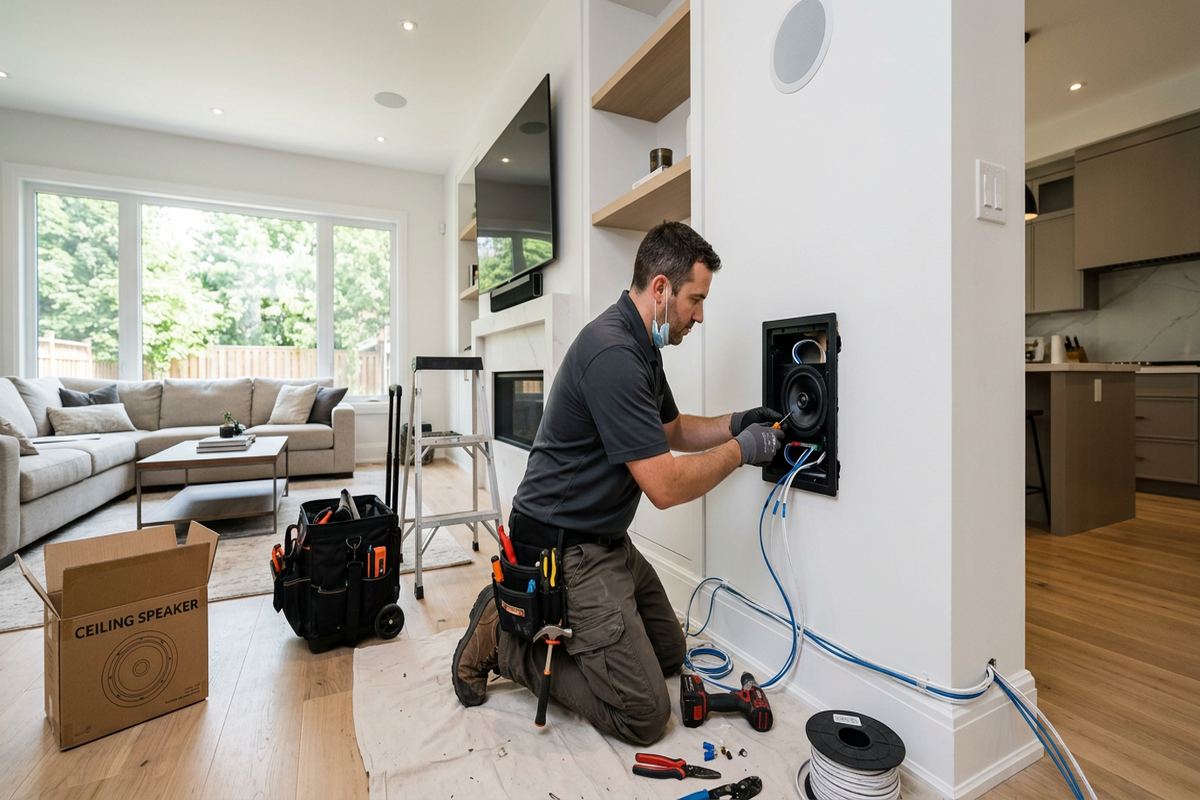
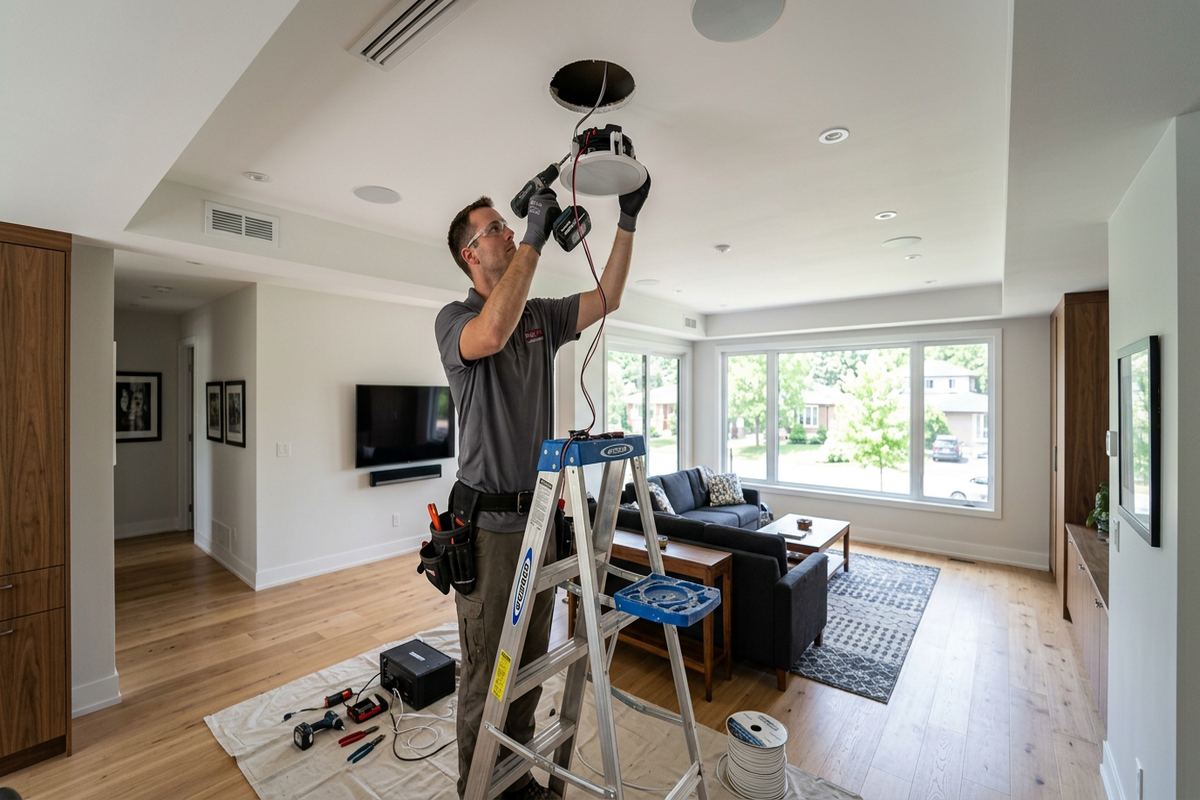
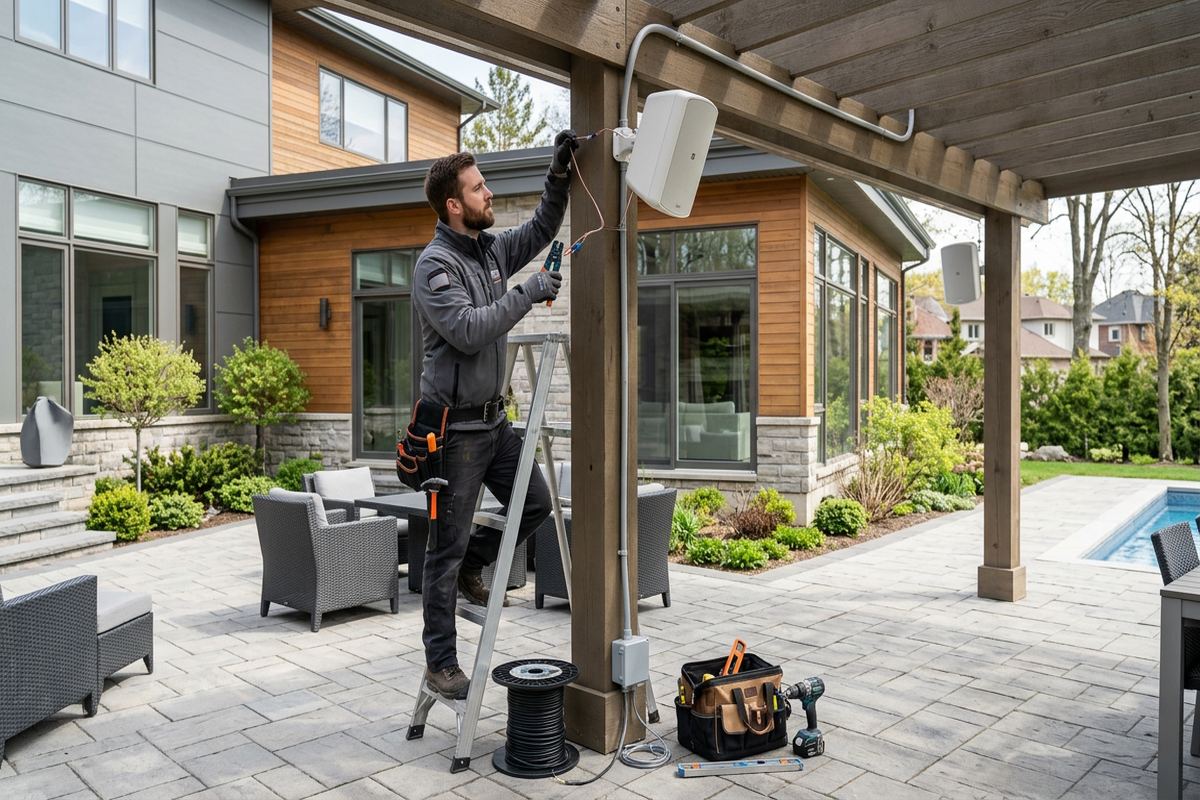
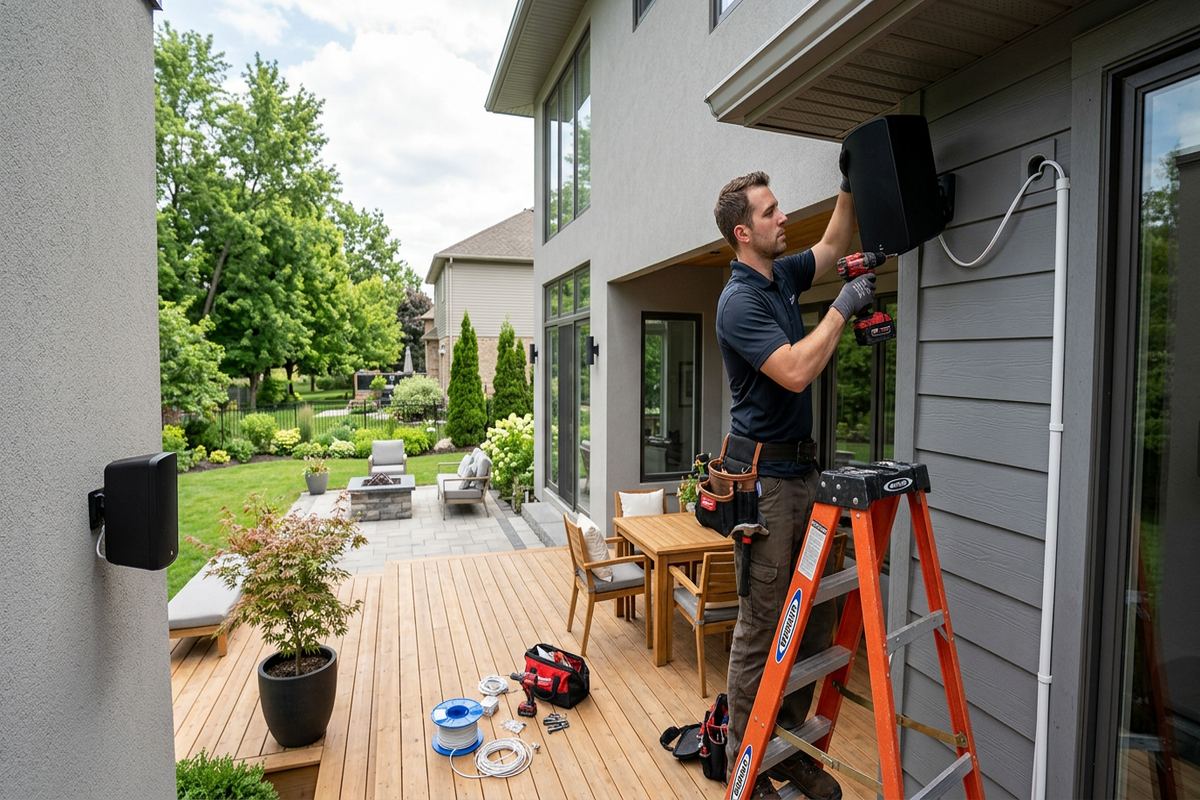
Audio and display work rides on that same foundation. Speaker layout is planned for even coverage rather than maximum count, amplifier capacity is matched to the load, and volume zones follow how rooms are used. Displays are mounted to structure with the right bracket, cabling is concealed in-wall using rated cable, and sources, control, and power are placed where they can be serviced without dismounting the screen.

None of this is exotic. It is ordinary work done in the right order, and the result is a property where the technology is unremarkable — which is exactly what people want from it.

  • Switching and power over ethernet sized for current and future devices
  • Separate networks for staff, guests, and connected devices
  • Access points positioned for coverage, roaming, and real device counts
  • Speaker zones and amplifier capacity matched to how rooms are used
  • Displays mounted to structure with concealed, in-wall rated cabling

Working with UnifiedLink across Ontario

We work with homeowners, property managers, contractors, and business owners across Ontario, and coverage for your address is confirmed before we quote — we would rather tell you no than book a visit we cannot keep. Our team brings more than 12 years of experience across residential and commercial low-voltage work, and that experience mostly shows up as fewer surprises: realistic timelines, scope written down before anything is installed, and exclusions stated instead of discovered.

Quotes list equipment, labour, what is included, what is not, who owns the equipment at the end, and what warranty applies. If something changes mid-project, you hear about it before the cost changes, not after. If a request is outside what we do well, we will say so directly rather than subcontracting the risk to you.

After handover, we stay reachable. Systems change because properties change — people are added, rooms are repurposed, cameras get moved, businesses expand. Because everything is labelled, documented, and registered to accounts you control, those changes are small tasks rather than fresh projects.

If you are planning a build, a renovation, a move, or simply fixing a system that has never worked properly, the next step is a site assessment. You will get a written scope and a clear recommendation, whether or not you hire us to do the work.

  • Coverage confirmed for your address before we quote
  • Written scope with inclusions, exclusions, ownership, and warranty
  • Changes communicated before they affect price or schedule
  • Documentation and credentials handed over at completion
  • Ongoing support for additions, moves, and troubleshooting

Asked and answered

Your questions, answered

Short, direct answers about scope, ownership, coverage, and timing.

Do you work on homes as well as commercial buildings?

Both. Each service in the catalogue is marked residential, commercial, or both, so you can see what applies to your property before you ask.

How does a project start?

With a site assessment. We look at the property, confirm what it can support, then send a written scope covering equipment, cable routes, exclusions, ownership, and warranty.

Do I own the equipment and the accounts?

Yes. Devices, recorder accounts, and network credentials are registered in your name and handed over with documentation at completion.

Can you take over a system somebody else installed?

Often, yes. We assess the existing cabling and equipment first and tell you plainly what can be reused and what needs replacing.

Which parts of Ontario do you cover?

We list 66 Ontario locations. Availability still depends on the service and travel distance, so we confirm coverage against your address before quoting.

How quickly do you reply?

Requests sent during business hours are answered the same day. After-hours requests are returned the next business day.

Say hello

Let's plan your install

Send the details of the property and the systems you have in mind. We confirm coverage before we quote.

Talk to us
(437) 367-8255
Where we work
Ontario, Canada
Hours
Monday to Friday, 8:00 a.m. to 6:00 p.m. Eastern. After-hours requests are returned the next business day.

Your address helps us check service availability nearby.